SOFTWARE · 12th Mar 2025
Top 5 UI/UX Design Principle for Technical Products
UI/UX design for tech products hinges on user-centricity, consistency, simplicity, accessibility, and performance to craft seamless, engaging digital experiences.
Creating Seamless Digital Experiences
Digital products are an integral part of everyday life, and their back design plays an important role in shaping it how users interact with technology. Whether it is a smooth mobile app, a responsible website, or a feature-pack software platform, UI/UX design can mean a difference between a product that falls excel and a flat falls.
The Great UI/UX design is not only about aesthetics - it is about creating a comfortable, easy and attractive experience that users keep coming back. But what makes a design "great"? This blog examines five essential UI/UX design principles that each technical product should follow to increase user satisfaction, increase engagement and ensure success.
Importance of UI/UX Design in Technical Products
Every successful tech product has a strong UI/UX foundation in the heart.
A well -designed interface not only fascinates users, but also easily guides them through their digital journey. On the other hand, a poorly designed interface creates friction, which makes users disappointed and reduces the chances of returning.
Why UI/UX design is important in technical products here:
User promotes engagement: Clear and attractive interfaces encourage users to interact with your product.
Improves satisfaction: Easy-to-navigate design ensures a more enjoyable user experience.
Drives adoption and retention: A spontaneous experience promotes the user's loyalty, reduces churning rates.
Now, let's break the top design principles that give rise to successful digital experiences.
1. User-centric design
The original of the extraordinary UI/UX is the user-centered design (UCD). This theory focuses on designing products keeping in mind the user's needs, behaviors and goals.
Understand user needs and behaviors: The first step is understanding your audience. Who are they? What challenges are they facing? User person and sympathetic map are excellent tools for capturing these insights.
User Research and Conduct Promotion Testing: Attach directly with your targeted users through survey, interview and purpose tests. This approach exposes pain points, ensuring that your design decisions solve real problems.
Recovery design based on response: UCD is an ongoing process. Often collect the response and refine your product to better meet the user expectations. Prototiping equipment such as Figma or Adobe XD facilitates accelerated repetitions.
Lesson: Build for the user, not around the user.
2. Consistency & Familiarity
Consistency in UX design gives users a sense of control, while familiarity makes your interface easier to use from gate-go.
Maintain a harmonious design system: An integrated design system ensures stability in visual components such as color straps, typography and icography. Tools such as design system manager (DSM) can help maintain organization-wide standards.
Use common UI patterns: Relying on the famous UI pattern, keep the navigation menu, form and button comfortable. Users should not re -interaction.
Ensure uniformity in platforms: Your product should look and feel the same on web, mobile and desktop platforms. By adopting responsible design, you can guarantee a harmonious experience on various devices.
Lesson: Stability creates faith, and promotes familiarity.
3. Simplicity & Minimalism
Simplicity is the backbone of modern UI design. Reducing dislocation and focusing on the required functionality ensures an optimal experience.
Reduce cognitive load: Users can be disappointed by too much information or too much options. A clean interface helps users to focus on completing their tasks.
Prioritize to essential features: Start with a minimum viable product (MVP) that offers the main features. Gently introduce advanced functionalities depending on the needs and response of the user.
Use whitespace effectively: Whitespace (or negative space) clarifies content by giving design elements room to breathe. It enhances readability and draws attention to key components.
Lesson: Less is more—streamline, declutter, and design with purpose.
4. Access and Inclusion
A great technical product works for all, including people with disabilities. Designing for access ensures perfect for all and makes your product access wider.
Design for disabled users: Apply features such as screen reader compatibility, text-to-speech and keyboard navigation to interact with your product regardless of user capacity.
Apply WCAG guidelines: Follow web content accessibility guidelines (WCAG) to ensure compliance with global access standards.
Optimize color contrast and typography: Use high-opposite color schemes for lessons against the background to improve readability. Choose typography that is in the equipment and scalable in the devices.
Lesson: Inclusive design isn't optional—it's a requirement.
5. Performance & Accountability
Even the most visually attractive technical products will fail without speed and adaptability. A laggy or universal interface kills the user experience.
Ensure fast load times: Customize your codes and compressed files to give lightening-fast display. Users can leave your product completely from long load time.
Customize for various screen sizes and equipment: Responsible design is important in today's multi-device world. Think of mobile-first when creating adaptable layouts for various screen resolution.
Optimize tests and interactions: Conduct the performance test to evaluate separate touchpoints, such as button accountability, animation and infection, ensuring that they remain smooth.
Lesson: Responsive design and speed are just as critical as visual appeal.
How Business Business can take advantage of UI/UX for success
By applying these principles, organizations can create a user -friendly technical products that set them separate from the competitors. The Great Design promotes trust and loyalty, enhances customers' satisfaction, and contributes to long -term development.
Whether you are an experienced UI/UX designer, a product manager, or a developer, maintaining a user-if maintained is the key to the creation of seamless digital experiences.
Want to stay ahead in the UX/UI design to be a rapidly developed world? Constantly refine your craft, learn from the user response, and adopt emerging design trends.
Your trip starts today for better design
Preparing extraordinary digital experiences is not overnight - this is a trip. But by following these principles, you will be set on the right path. Your users are not less than the best, and with the right approach, your technical product can only distribute so much.
Start applying these principles today, and not only find your products, but also cross the expectations of the user.
KEEP READING
SOFTWARE
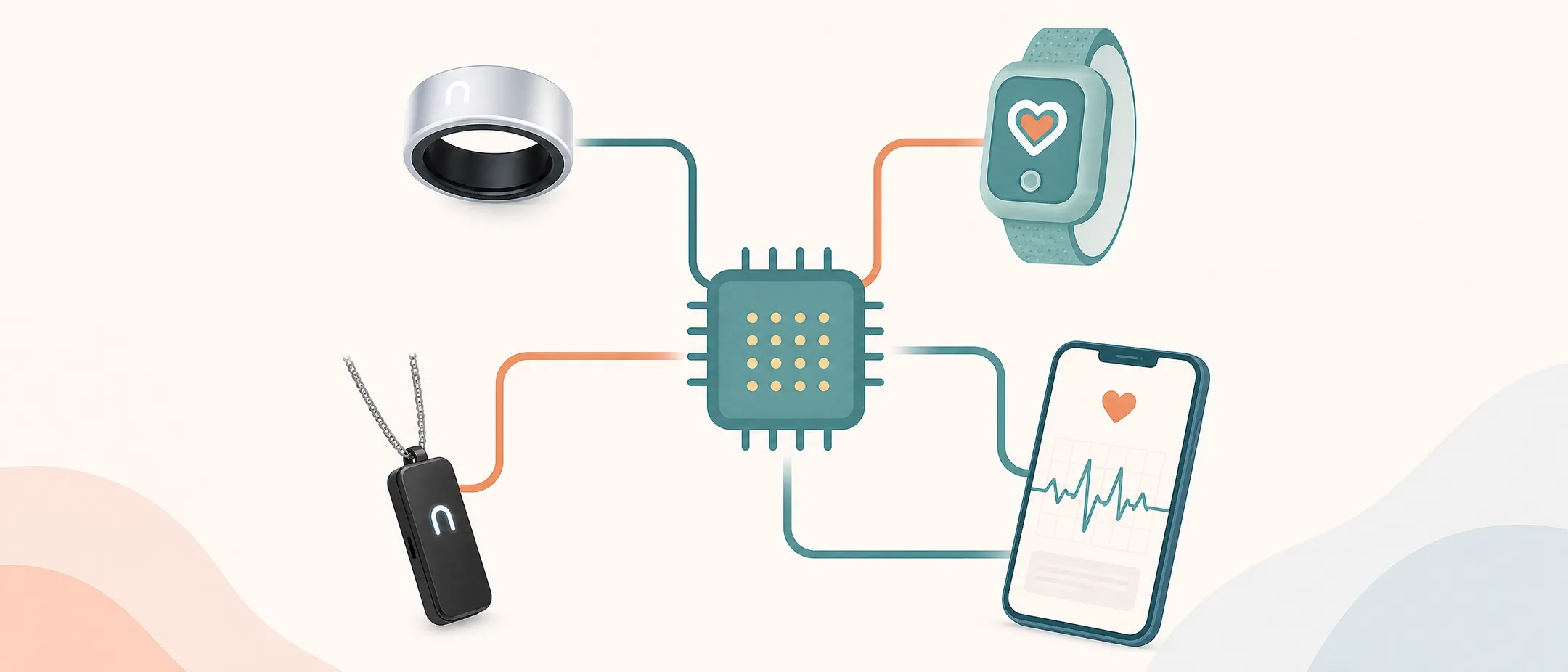
How Wearable App Development Improves Medical Care and Expands Access
A builder's guide to healthcare wearable applications — from sensor selection and firmware architecture to EHR integration, compliance, and clinical deployment

SOFTWARE
Native Apps Powered by AI, IoT & AR/VR for Smart Products
Discover how Avantari builds intelligent native apps by integrating AI, IoT, Bluetooth, and AR/VR to create connected, future-ready digital experiences.

SOFTWARE
How HR Tech Became Child's Play
Go behind the scenes of 'Evolve or Fossilise,' the interactive game that made Darwinbox a hit at HR Tech Las Vegas. See how we did it
NEWSLETTER
We write when we’ve actually built something.